Architecture Diagrams for Digital Engineering
Design PLM, ERP, and CAD system architectures visually. Drag enterprise components, connect services, and analyze your architecture with AI-powered feedback.
From blank canvas to
production-ready
Four steps. Zero guesswork. Go from idea to deployable architecture in minutes, not weeks.
Drop your components
Start by dragging intelligent components onto the canvas — services, databases, message queues, load balancers, CDNs, and more. Each component comes pre-configured with sensible defaults.
Connect & configure
Draw connections between components to define data flows, API calls, and event streams. Configure protocols, ports, and authentication through an intuitive panel.
Analyze & iterate
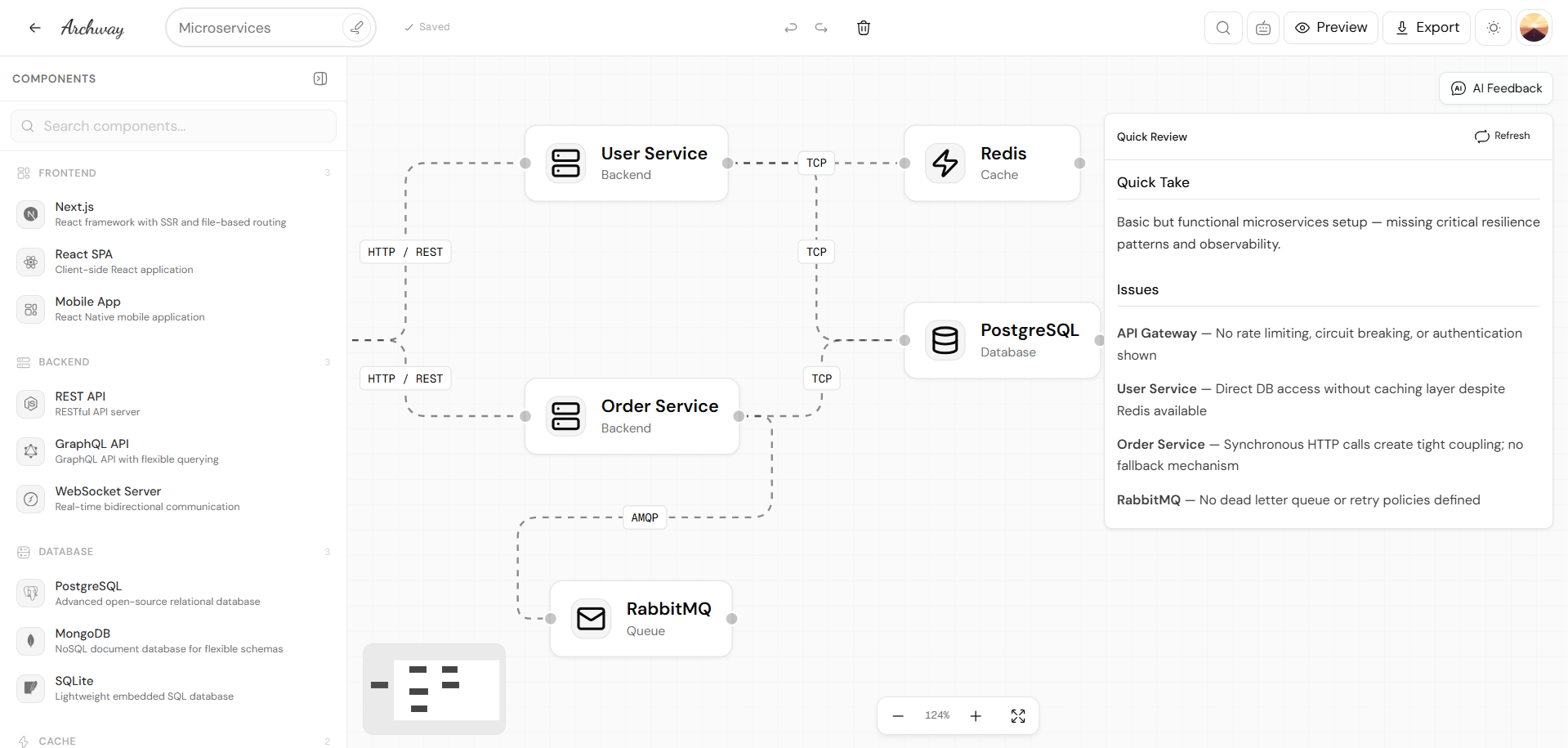
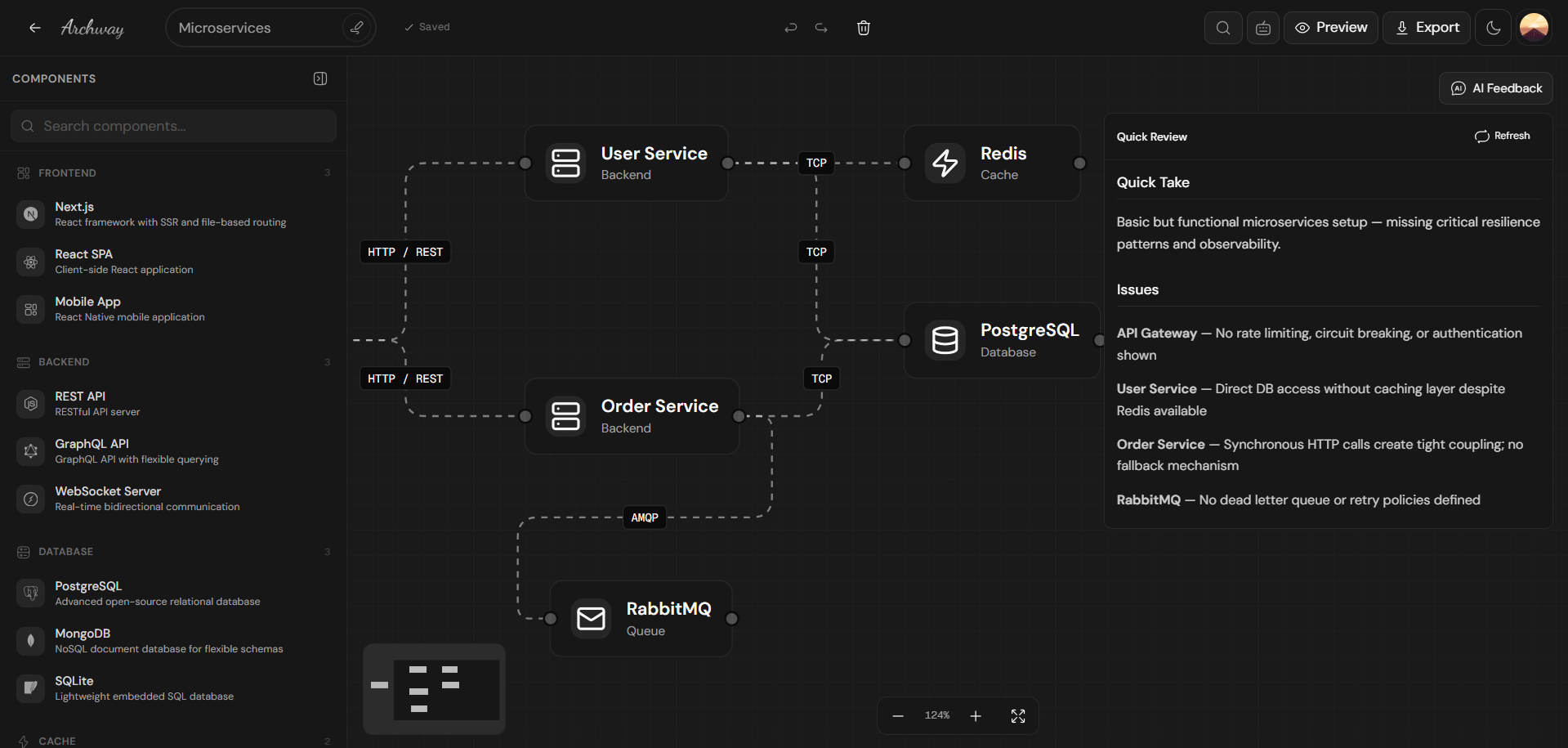
The AI engine continuously evaluates your design, surfacing warnings for missing caches, single points of failure, security gaps, and performance bottlenecks.
Export & ship
Export your validated architecture as Docker Compose files, Kubernetes manifests, folder structures, and infrastructure-as-code configurations.
Everything you need to
architect with confidence
A purpose-built toolkit that transforms how teams think about, design, and maintain system architecture.
2 Minutes Setup
Get your architecture canvas up and running in under 2 minutes.
Intelligent Components
Drag smart architectural blocks — databases, load balancers, queues, and services.
AI-Powered Analysis
Get instant architecture reviews that identify bottlenecks and security gaps.
Intuitive Visual Canvas
Design complex systems effortlessly with our drag-and-drop interface.
Export & Share Anywhere
Export as PNG, JSON, or Markdown. Share live previews with your team or stakeholders.
Architecture
deserves better
tooling.
Most teams sketch architecture on whiteboards, take photos, and never look at them again. ADia replaces that broken workflow with an intelligent, persistent canvas that grows with your system.
Common
questions
Can't find what you're looking for? Reach out through our contact section below.
Yes. ADia is open source under the MIT license and free to use forever. We believe architecture tooling should be accessible to every developer, regardless of team size or budget. There are no hidden paywalls or feature gates.
No. You can start designing immediately without any sign-up. Your work is saved locally in your browser. If you want cloud sync, collaboration features, or version history across devices, you can optionally create an account.
ADia supports a wide range of architectural patterns — microservices, monoliths, event-driven systems, serverless architectures, data pipelines, and more. Our component library covers databases, message queues, load balancers, CDNs, API gateways, container orchestration, and dozens of other building blocks.
Once your architecture is designed and validated, ADia can generate Docker Compose files, Kubernetes manifests, project folder structures, API route stubs, and basic infrastructure-as-code configurations. The generated code serves as a starting scaffold — it's designed to be extended, not to replace your development process.
Absolutely. ADia's Design ↔ Code Sync feature can analyze your existing project structure and generate a visual architecture from it. From there, you can use drift detection to keep your design and code aligned as both evolve.
When using ADia locally, all data stays in your browser — nothing is sent to external servers. For the optional cloud features, all data is encrypted in transit and at rest. We never access, analyze, or sell your architecture designs.
Team collaboration is on our roadmap. Currently, you can export and share architecture files. Real-time multiplayer editing, comments, and review workflows are planned for upcoming releases.